Why Freelancers Need AI Automation Right Now
Every freelance professional faces the same bottleneck: limited time versus endless tasks. From chasing invoices to drafting proposals, the administrative load can eclipse the creative work that earned you the gig in the first place.
The best AI automation tools for freelancers streamline repetitive tasks, improve client communication, and boost productivity. Popular choices include tools for content generation, project management, and workflow automation. These platforms help freelancers save time, reduce manual effort, and focus on high-value work that drives income and long-term growth.
That’s why integrating AI automation isn’t a luxury; it’s a survival tactic. In this guide, you’ll discover the 10 best AI automation tools that actually cut hours from your workflow, how to set them up in minutes, and practical tips to keep them running smoothly.
By the end of the article, you’ll be able to pick the right tool for each stage of a freelance project, avoid common pitfalls, and protect your business from the hidden costs of automation failure.
How We Chose the Top 10 Tools
We evaluated hundreds of options against three core criteria that matter to freelancers:
- Time saved per week: Real‑world case studies and user reports were examined to estimate average hourly reductions.
- Ease of integration: Tools that require complex coding or enterprise‑level contracts were filtered out.
- Cost‑effectiveness: Monthly fees were weighed against the value of the tasks they automate.
Only solutions that scored high on all three made the final list.
1. Jasper (formerly Jarvis) – AI Content Generator
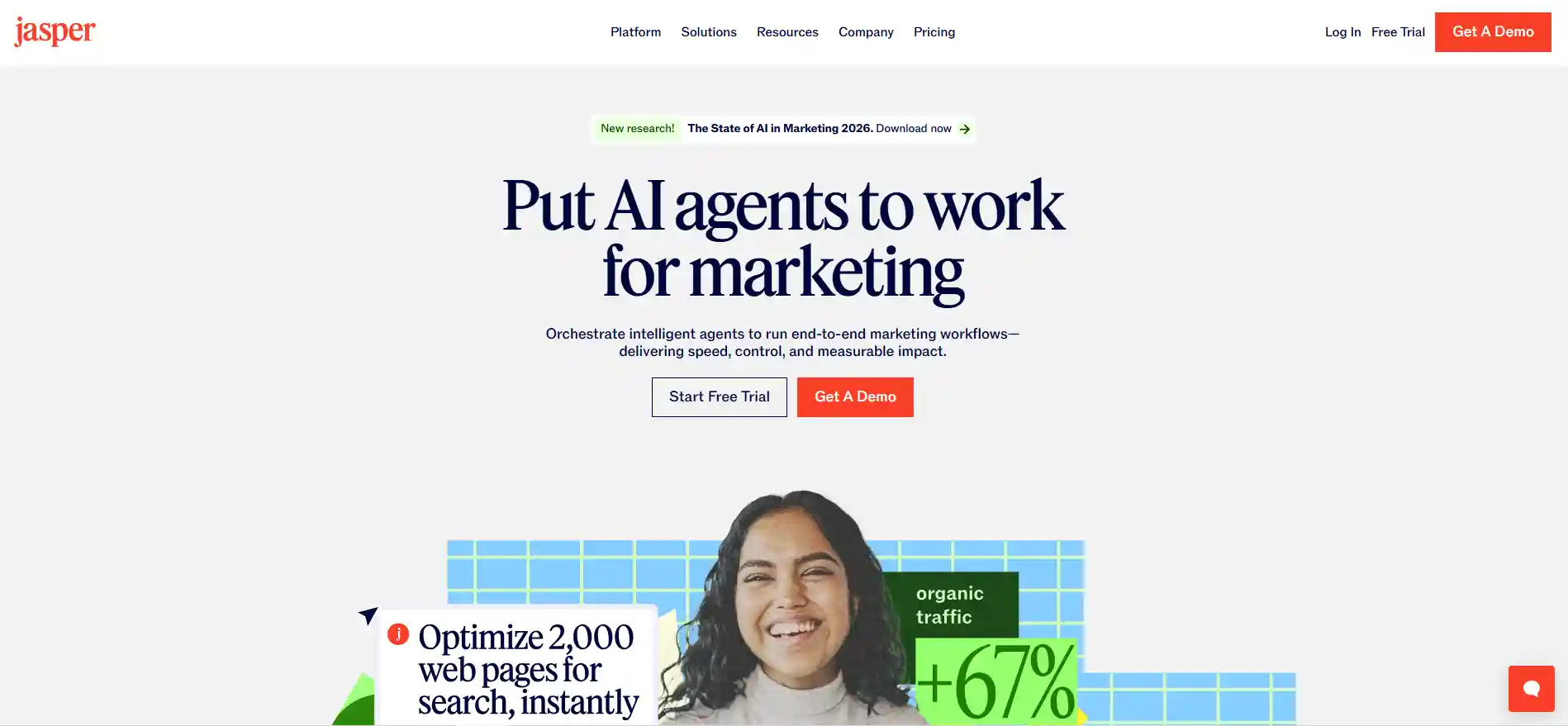
Jasper excels at turning brief prompts into polished blog posts, social captions, and client proposals. Freelancers who write regularly report saving 2‑4 hours per piece because Jasper handles research outlines, SEO‑friendly headings, and even tone adjustments.
Getting Started
1. Sign up for the free 5‑day trial.
2. Choose the “Freelancer” template.
3. Input your keyword, audience, and desired word count.
4. Review the draft, edit where needed, and export directly to Google Docs.
Practical Tips
- Use the “Boss Mode” command to ask Jasper to rewrite existing drafts in a different voice—great for repurposing content.
- Set up a custom shortcut for your most common brief (e.g., “SEO blog 800 words”).
Potential Pitfalls
AI can occasionally generate factual errors. Always run a quick fact‑check or use a plagiarism checker before delivering to clients.
2. Zapier – No‑Code Workflow Automation
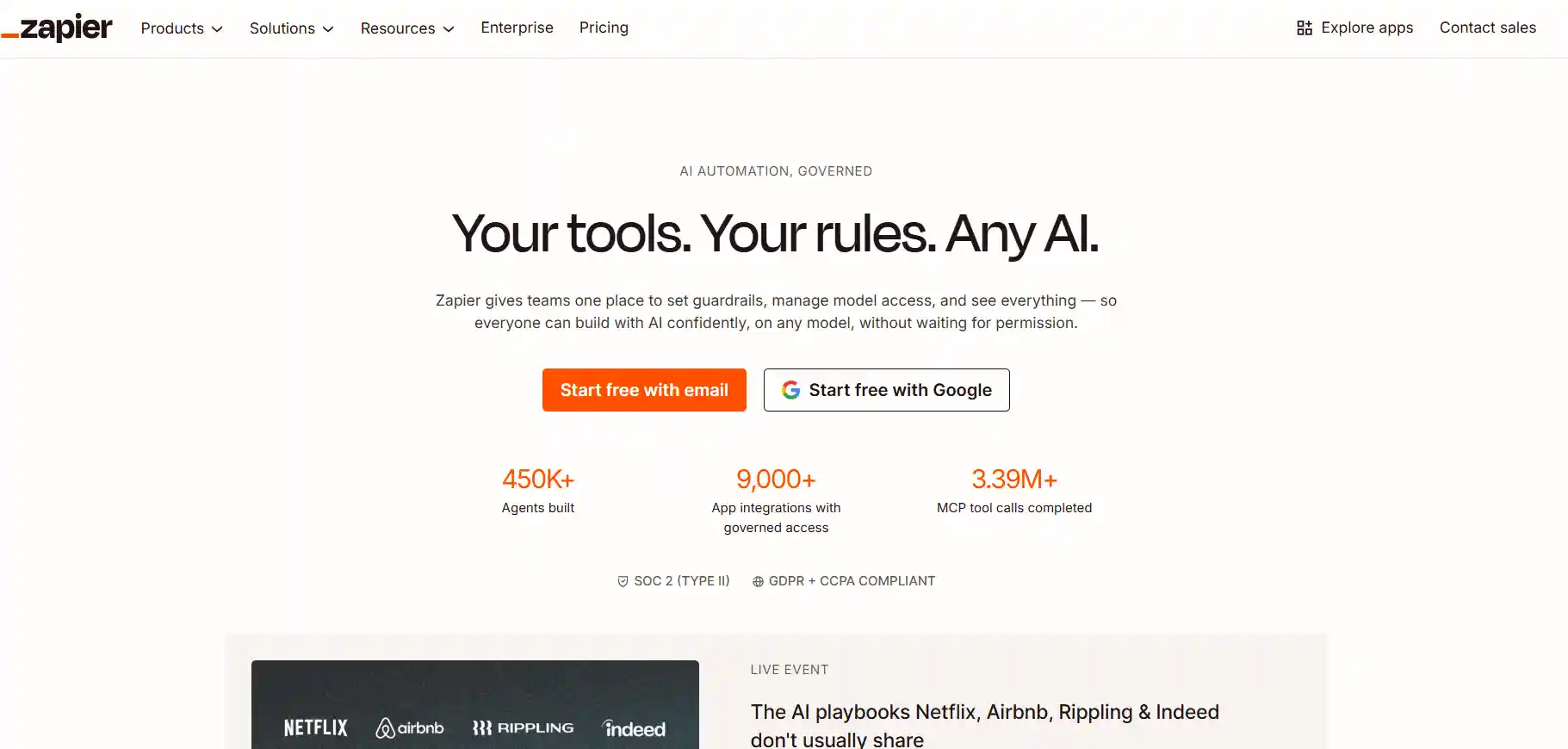
Zapier connects over 5,000 apps, letting you create “Zaps” that move data automatically. For freelancers, the most valuable Zaps involve client onboarding, invoicing, and task tracking.
Sample Zap: New Google Form → QuickBooks Invoice
- Trigger: A client fills out a Google Form with project details.
- Action 1: Zapier adds the info to a Trello board as a new card.
- Action 2: Zapier creates a draft invoice in QuickBooks.
This single Zap eliminates manual entry and reduces errors.
Implementation Steps
1. Create a free Zapier account.
2. Choose a pre‑made template or start from scratch.
3. Test each step with sample data.
4. Turn the Zap on and monitor the first 10 runs for any hiccups.
Best Practices
- Label each Zap with a clear purpose (e.g., “Client Onboarding – Invoice”).
- Set up email alerts for failed Zaps so you can intervene quickly.
3. Calendly – Smart Appointment Scheduling
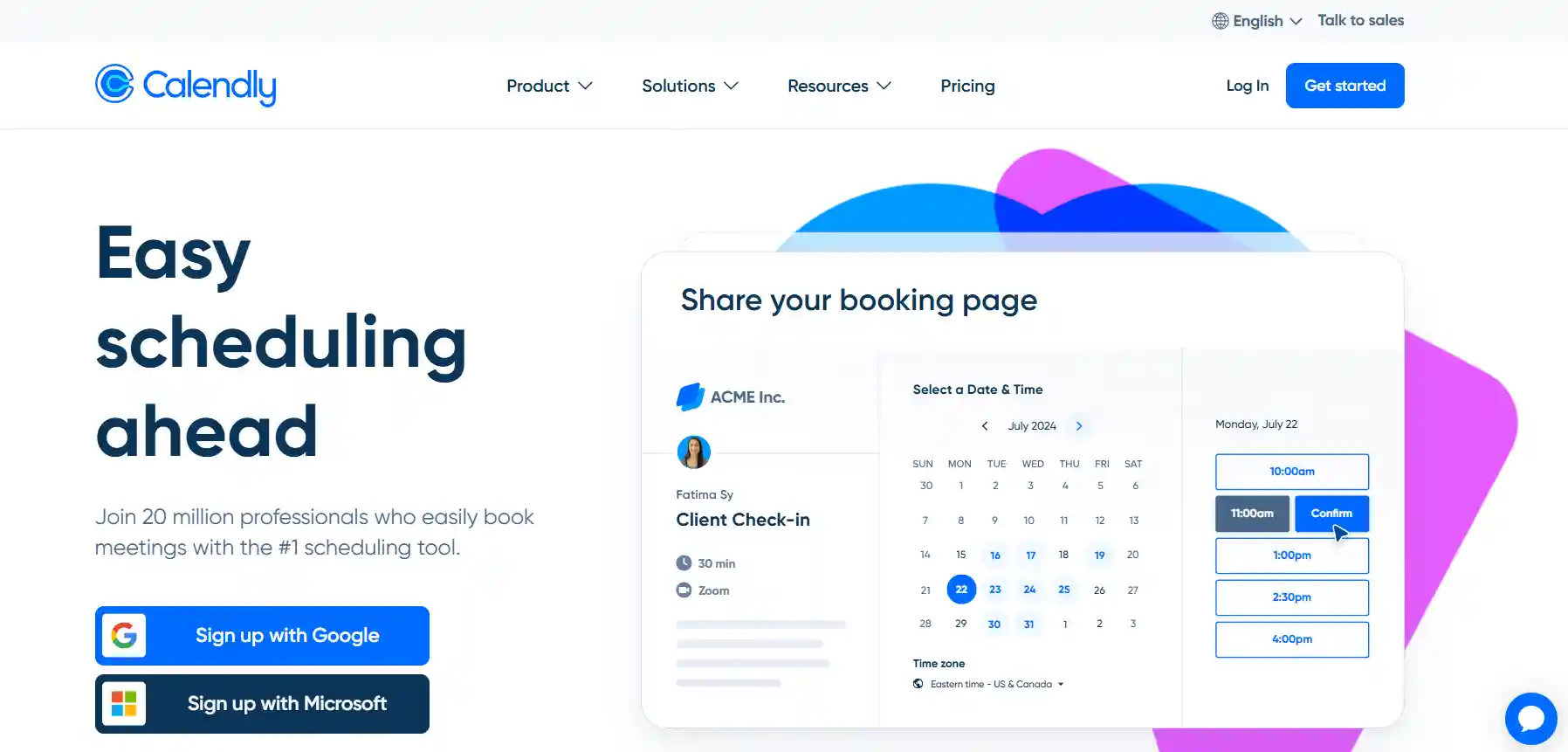
Missed meetings cost freelancers time and reputation. Calendly automates the entire scheduling process, syncing with Google Calendar, Outlook, or iCloud.
Why It Beats Manual Scheduling
Clients pick a slot that respects your availability, eliminating endless back‑and‑forth emails. The built‑in buffer feature also prevents back‑to‑back meetings, giving you breathing room.
Configuration Guide
- Connect your primary calendar.
- Define your daily availability (e.g., 9 am‑12 pm, 2 pm‑6 pm).
- Set up event types: “30‑minute discovery call” and “1‑hour project kickoff”.
- Copy the personalized link into your email signature.
Pro Tip
Integrate Calendly with Zapier to automatically add newly booked meetings to your project management board.
4. QuickBooks Self‑Employed – Automated Accounting
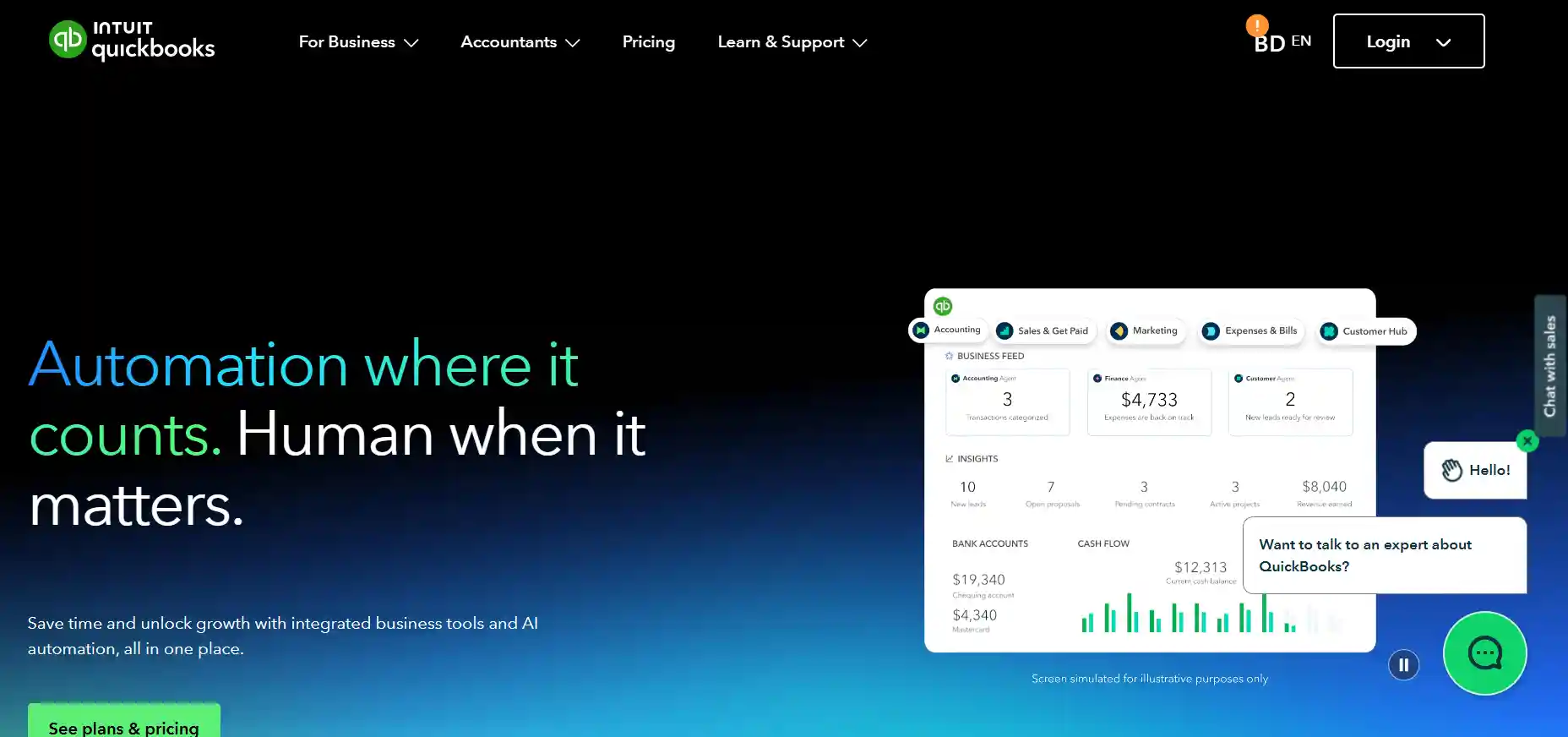
Tracking mileage, receipts, and quarterly taxes can eat up a freelancer’s weekend. QuickBooks Self‑Employed uses AI to categorize expenses, calculate estimated taxes, and generate profit‑and‑loss reports.
Step‑by‑Step Setup
- Link your bank accounts and credit cards.
- Enable receipt capture via the mobile app.
- Set your tax rate (default 30% works for most US freelancers).
- Review the monthly “Tax Summary” to see what you owe.
Actionable Insight
Schedule a 15‑minute weekly review to reconcile any uncategorized transactions. This habit prevents end‑of‑year surprises.
5. Notion AI – All‑In‑One Knowledge Base
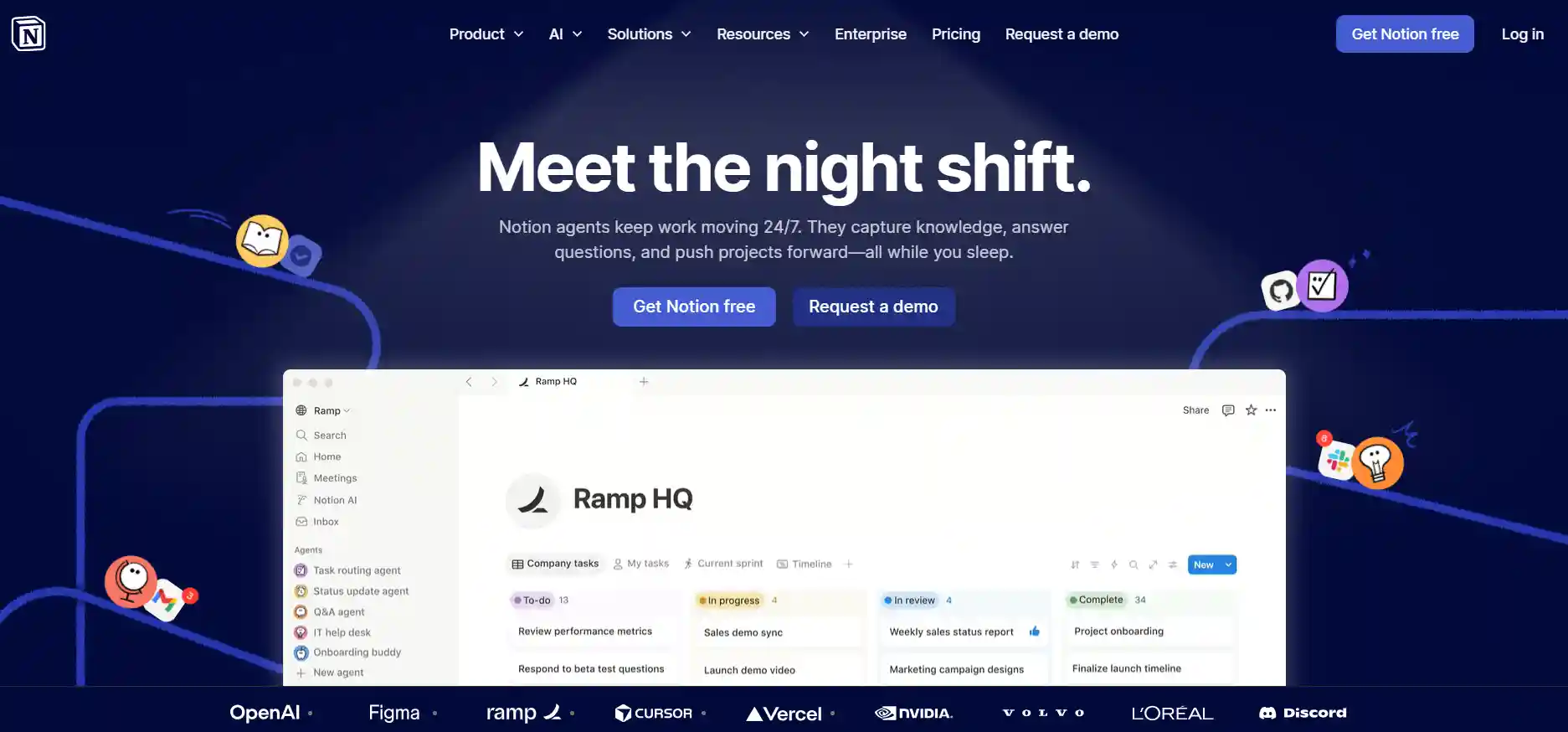
Notion AI turns a simple workspace into a dynamic project hub. It can summarize client briefs, generate to‑do lists, and even draft contracts based on templates.
Real‑World Use Case
After a client sends a 10‑page brief, highlight the text, click “Summarize with AI,” and paste the output into a new project page. Within minutes, you have a clear scope, milestones, and deliverables.
How to Deploy
- Create a “Freelance Projects” database with properties for client, deadline, and status.
- Enable the AI block in each project page for quick brainstorming.
- Link Notion to Google Drive via Zapier to automatically import new client files.
6. Grammarly Business – AI Writing Assistant
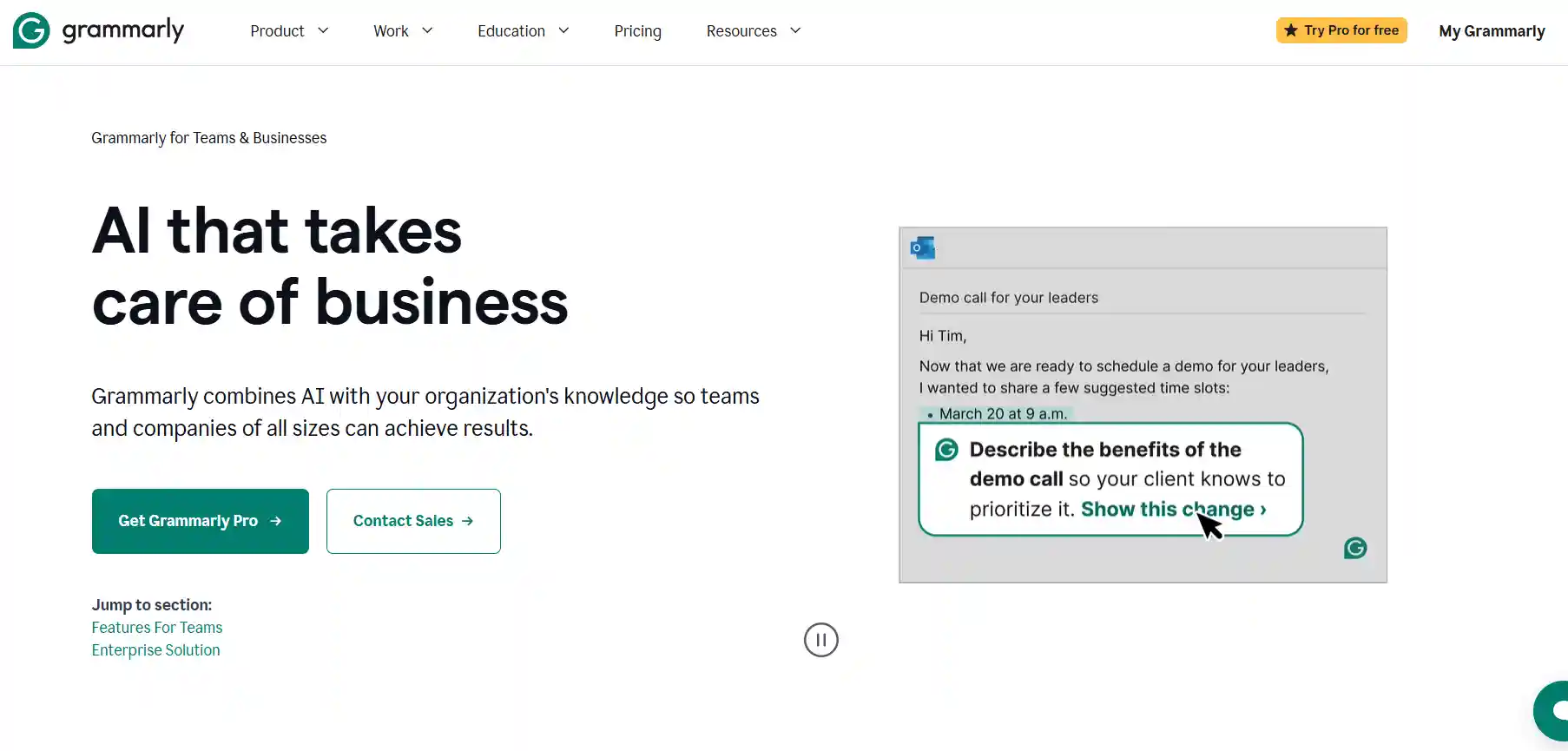
Even seasoned writers produce typos under pressure. Grammarly Business offers tone detection, plagiarism checking, and a browser extension that works across email, proposals, and social media.
Key Settings for Freelancers
- Set “Audience” to “Clients” for more formal language.
- Activate “Style” suggestions to keep your brand voice consistent.
- Turn on the “Plagiarism Detector” before sending any content that references external sources.
Quick Integration
Install the desktop app, then enable the browser extension. Grammarly will automatically underline issues as you type, letting you correct on the fly.
7. Otter.ai – Automated Transcription
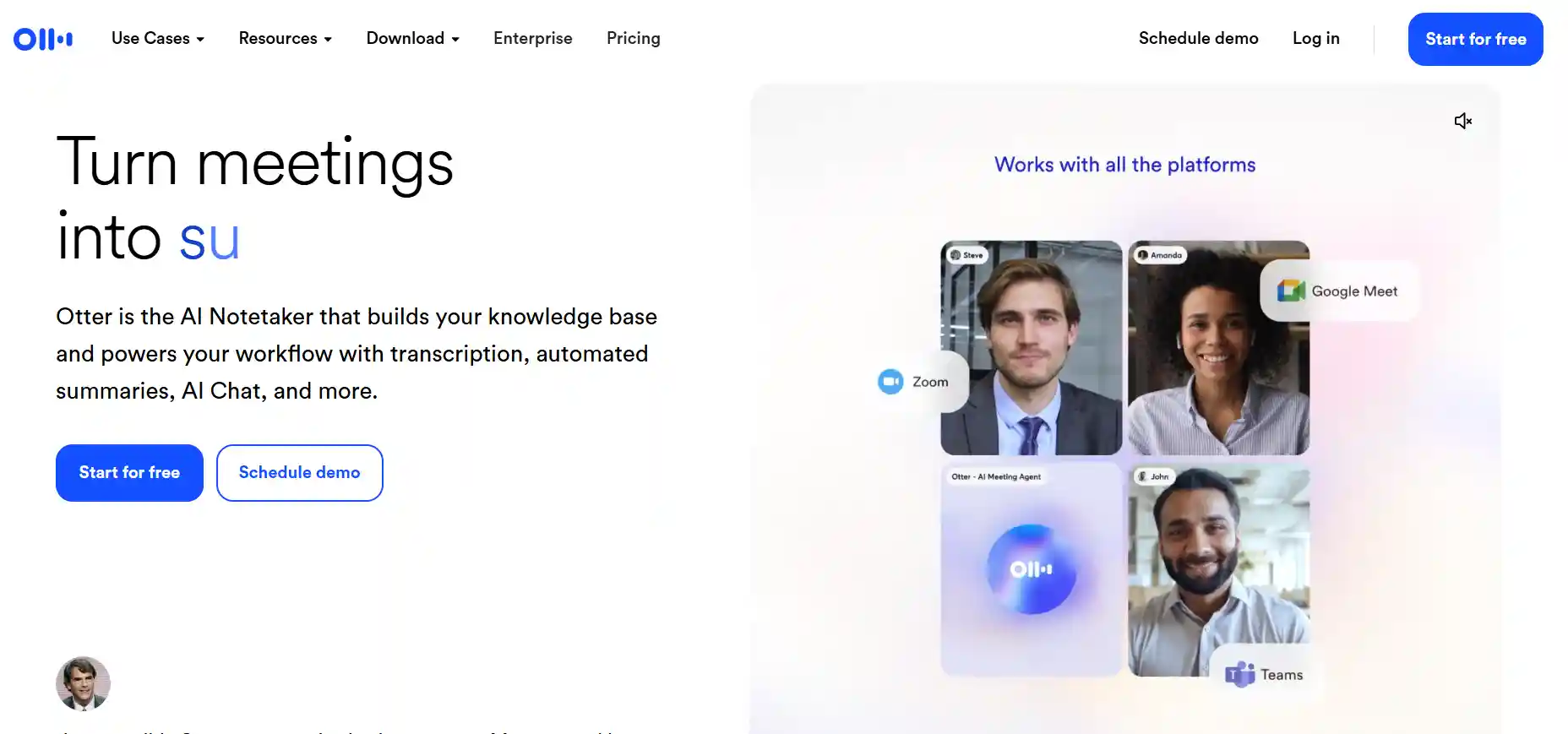
Client calls, interviews, and brainstorming sessions are gold mines of information, but manually transcribing them is a drain. Otter.ai records, transcribes, and tags speakers in real time.
Workflow Example
- Start an Otter recording during a Zoom call.
- After the meeting, Otter generates a searchable transcript.
- Highlight key points and export them as a bullet‑point brief for your client.
Tips to Maximize Accuracy
- Use a good-quality microphone.
- Ask participants to speak clearly and avoid overlapping speech.
- Review the transcript within 24 hours while the conversation is still fresh.
8. ConvertKit – AI‑Powered Email Marketing
Freelancers who nurture leads via newsletters need a tool that can personalize at scale. ConvertKit’s AI suggests subject lines, segmentations, and even automates follow‑up sequences based on subscriber behavior.
Set Up a Lead Magnet Funnel
- Create a free “Downloadable Guide” as a lead magnet.
- Use ConvertKit’s landing page template and embed the sign‑up form on your portfolio site.
- Activate the AI‑generated “Welcome Sequence” three emails spaced two days apart.
Actionable Metric
Track the open rate of AI‑suggested subject lines versus your original copy. A 5‑10% lift is common after a week of testing.
9. Lumen5 – AI Video Creation for Social Proof

Video testimonials and project reels boost credibility, yet editing software can be intimidating. Lumen5 turns blog posts or scripts into short, branded videos with just a few clicks.
Step‑by‑Step Process
- Paste your blog URL or script into Lumen5.
- Select a template that matches your brand colors.
- Let the AI match relevant stock footage and add captions.
- Export in 1080p and upload to LinkedIn, Instagram, or your website.
Best Practice
Keep videos under 60 seconds for social platforms. Use the AI‑generated subtitles to improve accessibility and engagement.
10. Trello + Butler Automation – Visual Project Management
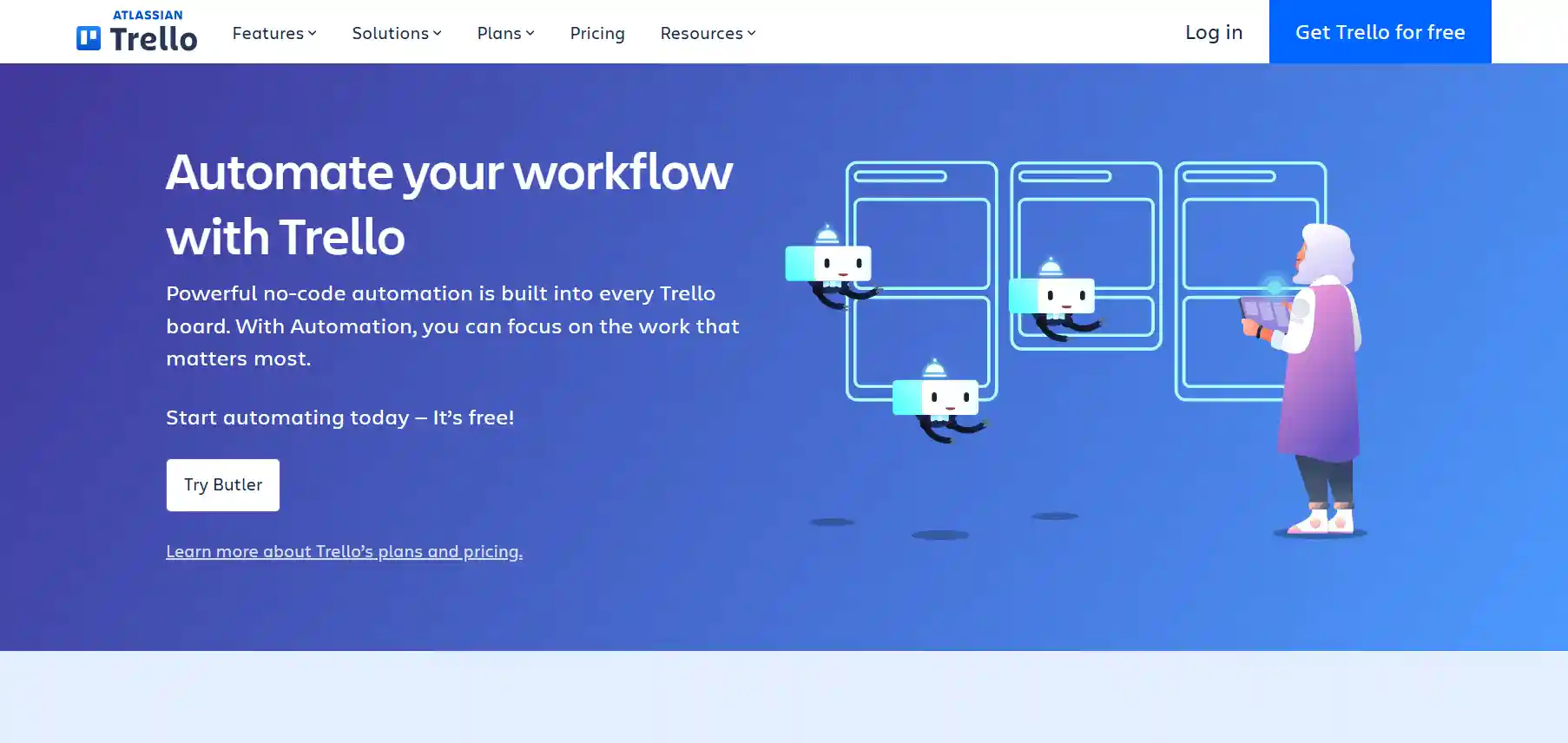
Trello’s board layout is already popular among freelancers, but the Butler automation adds rule‑based actions that eliminate repetitive clicks.
Example Automation
- When a card moves to “In Progress,” automatically assign yourself and set a due date 5 days later.
- When a due date is overdue, Butler adds a red label and sends you a Slack reminder.
Implementation Guide
- Open a board, click “Automation” and choose “Create Rule”.
- Define the trigger (e.g., “Card moved to List X”).
- Select the action (e.g., “Add member”, “Set due date”).
- Test with a dummy card before applying to live projects.
Safety Note
Start with one or two rules; too many automations can become confusing and cause accidental status changes.
Frequently Asked Questions
Which AI tool saves the most time for content writers?
Jasper typically provides the biggest ROI for writers because it drafts entire pieces, not just snippets. Users report cutting 3‑5 hours per week on first drafts alone.
Can I automate invoicing without sharing my bank login?
Yes. Zapier can connect a Google Form submission to QuickBooks without exposing credentials. The connection uses OAuth tokens, keeping your financial data secure.
Is there a free version of these tools that’s reliable?
Most platforms offer a limited‑feature free tier—Jasper’s 5‑day trial, Zapier’s free plan (up to 100 tasks/month), and Calendly’s basic schedule. For a solo freelancer, these tiers often cover essential needs.
How do I avoid “automation fatigue”?
Schedule a weekly 30‑minute audit. Review each automation’s logs, pause any that generate errors, and note opportunities to combine steps. Keeping the system lean prevents overwhelm.
Do AI tools compromise client data privacy?
Reputable services encrypt data in transit and at rest, and they comply with GDPR and CCPA. Still, avoid uploading confidential contracts to tools that lack a Business‑Level agreement.
Putting It All Together: A Sample 7‑Day Automation Sprint
To illustrate how the tools interact, here’s a practical sprint you can launch this week:
- Day 1 – Lead Capture: Embed a ConvertKit landing page on your portfolio. Set the AI‑generated welcome sequence.
- Day 2 – Scheduling: Add your Calendly link to the welcome email.
- Day 3 – Project Kickoff: When a client books a call, Zapier creates a Trello card and a QuickBooks draft invoice.
- Day 4 – Content Draft: Use Jasper to produce the first blog draft based on the client brief.
- Day 5 – Review & Edit: Run the draft through Grammarly and Notion AI for final polish.
- Day 6 – Video Recap: Turn the blog into a 45‑second Lumen5 video for social sharing.
- Day 7 – Follow‑Up: Otter.ai transcribes the post‑delivery call; Butler adds a “Follow‑Up” label on Trello.
This loop demonstrates how each AI tool fills a specific gap, creating a seamless end‑to‑end workflow.
Prevention Tips: Keeping Your Automation Reliable
Even the best AI can glitch. Follow these safeguards to maintain uptime:
- Monitor logs weekly: Zapier, Butler, and Calendly all provide activity logs. Spot failures early before they affect client deliverables.
- Backup critical data: Export Trello boards and Notion pages to PDF monthly.
- Set permission levels: Grant team members only the access they need; limit API keys to read‑only where possible.
- Stay updated: Subscribe to each tool’s release notes. New features often include security patches and performance boosts.
My Personal Experience with Freelance Automation
When I transitioned from a full‑time design role to solo contracting, my biggest challenge was chasing invoices. Implementing QuickBooks Self‑Employed and a Zapier invoicing Zap cut my billing cycle from 30 days to an average of 12 days. The extra cash flow let me invest in a higher‑tier Jasper plan, which in turn slashed my article turnaround time by 40%.
Every freelancer’s mix will differ, but the principle stays the same: identify one repetitive task, find the AI tool that handles it, and automate. The compounding effect of multiple small wins is what turns a chaotic hustle into a sustainable business.
Whether you’re a writer, designer, developer, or marketer, the 10 tools outlined above are battle‑tested solutions that can streamline your workflow, protect your time, and give you space to focus on the work that truly matters.