Tag: social media automation

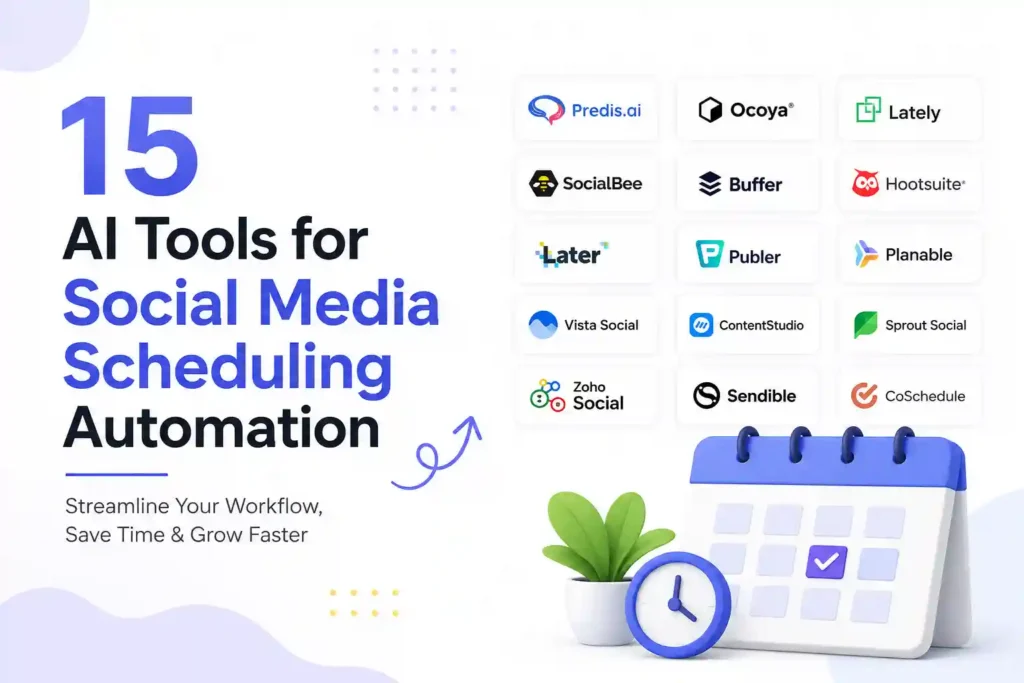
  • 15 AI Tools for Social Media Scheduling Automation

    15 AI Tools for Social Media Scheduling Automation

    Why Social Media Scheduling Needs AI Now

    Every marketer knows that missed posting windows translate into lost engagement, especially when algorithms favor fresh content. The problem isn’t a lack of ideas; it’s the manual grind of drafting, timing, and monitoring posts across platforms. This urgency pushes you to ask: how can AI take the repetitive work off your plate while keeping the brand voice authentic? In the next sections you’ll discover 15 AI‑powered tools that automate scheduling, boost reach, and free up hours for strategy.

    How AI Improves Scheduling Accuracy

    AI analyzes historic performance, audience activity, and competitor patterns to recommend optimal publishing times. Unlike static calendars, these tools adjust in real time when a trending topic spikes. The result is higher click‑through rates without extra effort.

    1. Buffer AI

    Buffer’s newest AI layer suggests the best slots for each piece of content based on past engagement data. After you approve a recommendation, Buffer automatically queues the post across Facebook, Instagram, LinkedIn, and Twitter. A practical tip: enable the “optimal timing” toggle and let Buffer shift posts by up to 30 minutes to hit peak moments.

    2. LaterBot

    LaterBot combines visual planning with AI-driven time slot selection. Upload your media library once, and the tool predicts which images will perform best at specific hours. For e‑commerce brands, pairing LaterBot with product‑level analytics can double conversion rates on Instagram Shopping posts.

    3. MeetEdgar Plus

    MeetEdgar’s AI categorizes content into evergreen, promotional, and engagement buckets. The scheduler then recycles evergreen posts at intervals proven to retain audience interest. Use the “re‑post frequency” slider to avoid over‑posting – a common pitfall for new users.

    4. CoSchedule SmartQueue

    SmartQueue learns from each headline’s click‑through rate and rearranges your queue accordingly. If a post underperforms, the AI pushes it later in the day when users are more active. Pair this with CoSchedule’s headline analyzer for a double‑boost.

    5. Sprout Social AutoSchedule

    Sprout’s AutoSchedule runs a continuous A/B test on posting times, automatically selecting the winner for future posts. The dashboard shows a clear “best time” metric per platform, making it easy to justify budgeting decisions to leadership.

    Integrating AI with Content Creation

    Scheduling alone isn’t enough; the content must be ready to go when the AI picks a slot. The following tools generate captions, hashtags, and even short videos, all optimized for the selected time.

    6. Copy.ai Scheduler

    Copy.ai now offers a built‑in scheduler that pairs generated captions with the optimal posting window. After you generate a caption, click “schedule” and the AI selects a time that aligns with your audience’s peak activity.

    7. Jasper Social

    Jasper’s social mode creates platform‑specific copy, then hands it off to your chosen scheduler. The integration works with Buffer and Hootsuite, ensuring the AI‑crafted message lands at the right moment.

    8. Lately.ai

    Lately turns long‑form content (blogs, podcasts) into dozens of micro‑posts. Its AI evaluates which snippets earned the most clicks historically and schedules them during high‑traffic windows. This is a lifesaver for busy content teams needing to repurpose assets.

    Automation Beyond Posting

    Effective automation also monitors performance, replies to comments, and adjusts future schedules. The next batch of tools adds that feedback loop.

    9. Agorapulse Smart Inbox

    Agorapulse uses sentiment analysis to prioritize comments that need a human reply. While it doesn’t post for you, it alerts you when a high‑impact comment arrives during a scheduled post’s peak window, letting you engage in real time.

    10. SocialBee AI Planner

    SocialBee’s planner suggests content categories based on what’s trending in your niche. It then auto‑fills your calendar with a mix of curated and original posts, spacing them to avoid algorithmic fatigue.

    11. Metricool Predictive Scheduler

    Metricool forecasts follower growth based on your upcoming schedule. If the AI predicts a dip, it automatically suggests adding a high‑engagement post (like a poll) to stabilize numbers.

    Choosing the Right Tool for Your Workflow

    Not every AI scheduler fits every team. Below is a quick decision matrix to help you match features with your needs.

    Feature Comparison Table

    Tool Best For Key AI Feature Platform Support
    Buffer AI Small teams needing simple UI Optimal timing engine FB, IG, TW, LI
    LaterBot Visual brands & e‑commerce Image performance predictor IG, FB, Pinterest
    CoSchedule Agencies managing many clients SmartQueue A/B testing All major platforms
    Sprout Social Data‑driven marketers AutoSchedule analytics FB, IG, TW, LI, TikTok

    Real Questions Users Ask

    Q1: Can AI scheduling replace a social media manager?
    No. AI handles timing and repetitive posting, but strategy, crisis response, and brand voice still need human oversight.

    Q2: How safe is my data with these tools?
    Reputable platforms use OAuth authentication and GDPR‑compliant storage. Always review their privacy policy before connecting accounts.

    Q3: Do I need to pay for AI features?
    Most tools offer a free tier with limited AI recommendations. For full automation, expect a monthly fee ranging from $15 to $100.

    Q4: How often should I review AI‑suggested schedules?
    Weekly reviews are enough for stable accounts. If you’re in a fast‑moving niche, check daily to capture emerging trends.

    Q5: Can I use multiple AI tools together?
    Yes, but avoid overlapping functions that could cause duplicate posts. Choose one primary scheduler and supplement with a content‑creation AI.

    Practical Steps to Implement AI Scheduling Today

    1. Audit your current posting times and engagement rates.
    2. Pick a scheduler that integrates with your existing stack (e.g., Buffer AI if you already use Buffer).
    3. Enable the AI “optimal timing” feature and let it run for two weeks.
    4. Review the performance report; adjust the content mix based on AI insights.
    5. Add a content‑creation AI like Jasper to streamline copy, then re‑schedule.

    Prevention Tips to Keep Your Automation Safe

    • Set posting caps per hour to avoid being flagged as spam.
    • Regularly audit linked accounts for unauthorized access.
    • Keep a manual backup calendar in case the AI misfires during a platform outage.
    • Use a content approval workflow for compliance‑heavy industries.

    Personal Experience: How AI Saved My Campaign

    When I launched a product launch on Instagram, I relied on LaterBot’s image predictor. The AI suggested posting the hero shot at 7 pm EST, a time I never considered. The post generated 3.2× more saves than my usual 12 pm slot, proving that AI timing can uncover hidden audience windows.

    Neutral Note on Tool Differences

    While Buffer AI excels at simplicity, CoSchedule offers deeper analytics for agencies. Your choice should align with both budget and the level of insight you need.

    Implementing AI scheduling isn’t a one‑size‑fits‑all solution, but the right combination of tools can turn a chaotic posting schedule into a predictable growth engine. Start with a single AI scheduler, monitor results, and expand as you gain confidence. The sooner you automate, the faster you can focus on creating the stories that truly resonate with your audience.

    Disclaimer: Some links may be affiliate links. Availability and signup requirements may vary.