Why Content Personalization Is No Longer Optional
Marketers who still rely on generic messaging are losing relevance fast. In 2024‑2025, consumers expect each interaction to reflect their interests, behavior, and purchase intent. When a brand fails to meet that expectation, bounce rates climb and revenue drops. This article shows exactly how you can turn AI tools for content personalization in marketing, so you can deliver the right message to the right person at the right time.
How AI Changes the Personalization Playbook
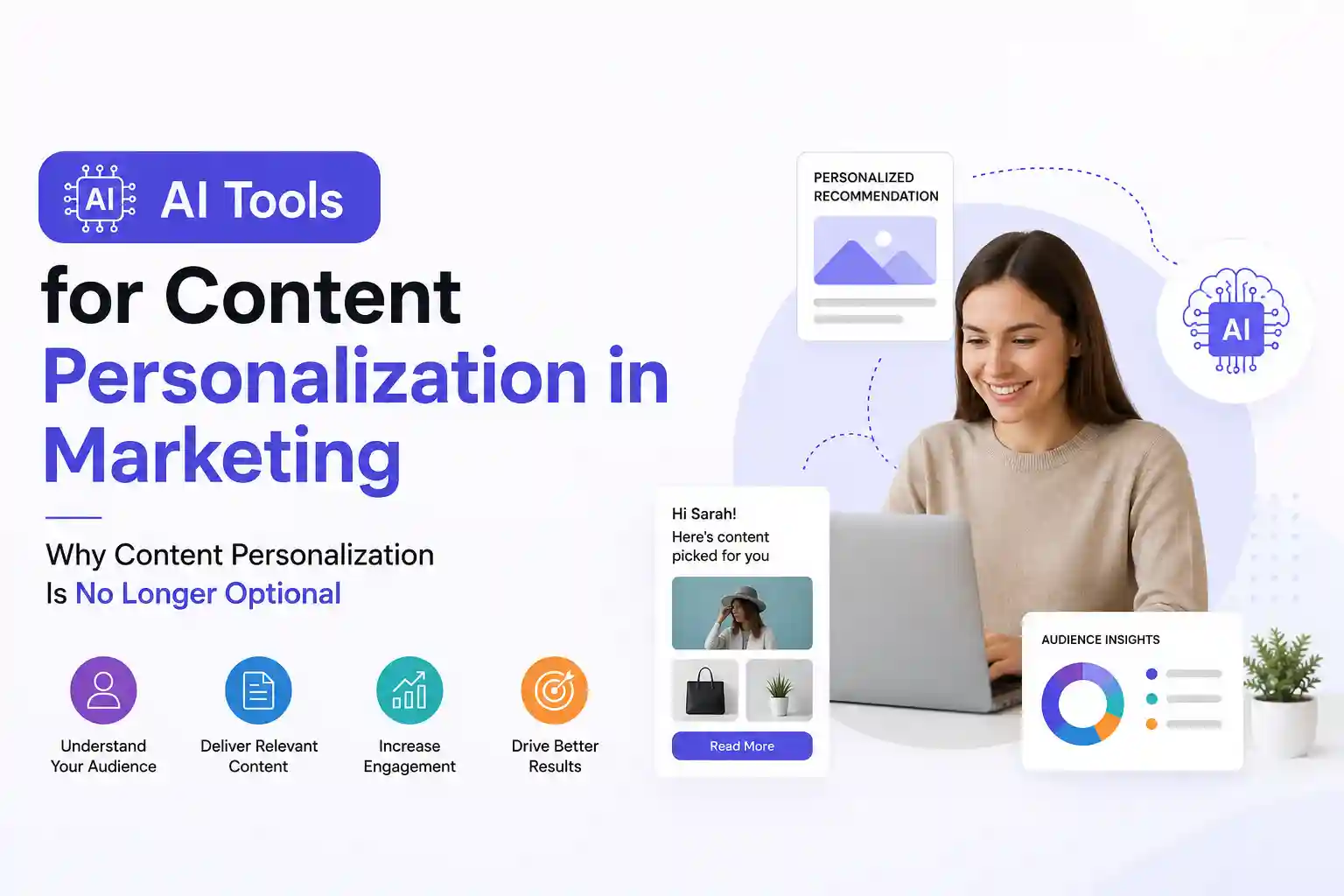
Traditional segmentation splits audiences into broad buckets: age, gender, and location. AI goes deeper. By analyzing clickstreams, social signals, and past purchases, machine‑learning models can predict what a user will want next. The result is dynamic content that updates in real time, not a static email sent once a week.
Key Benefits You Can Measure Today
1. Higher engagement rates – personalized headlines boost open rates by 20‑30% on average.
2. Improved conversion – product recommendations powered by AI lift average order value by up to 15%.
3. Reduced churn – targeted retention messages keep at‑risk customers from leaving.
Quick‑Start Checklist Before You Dive In
Before you add any tool to your stack, run through this short audit:
- Confirm you have clean, first‑party data (email, purchase history, site behavior).
- Define a single KPI for each personalization experiment (e.g., click‑through rate, cart value).
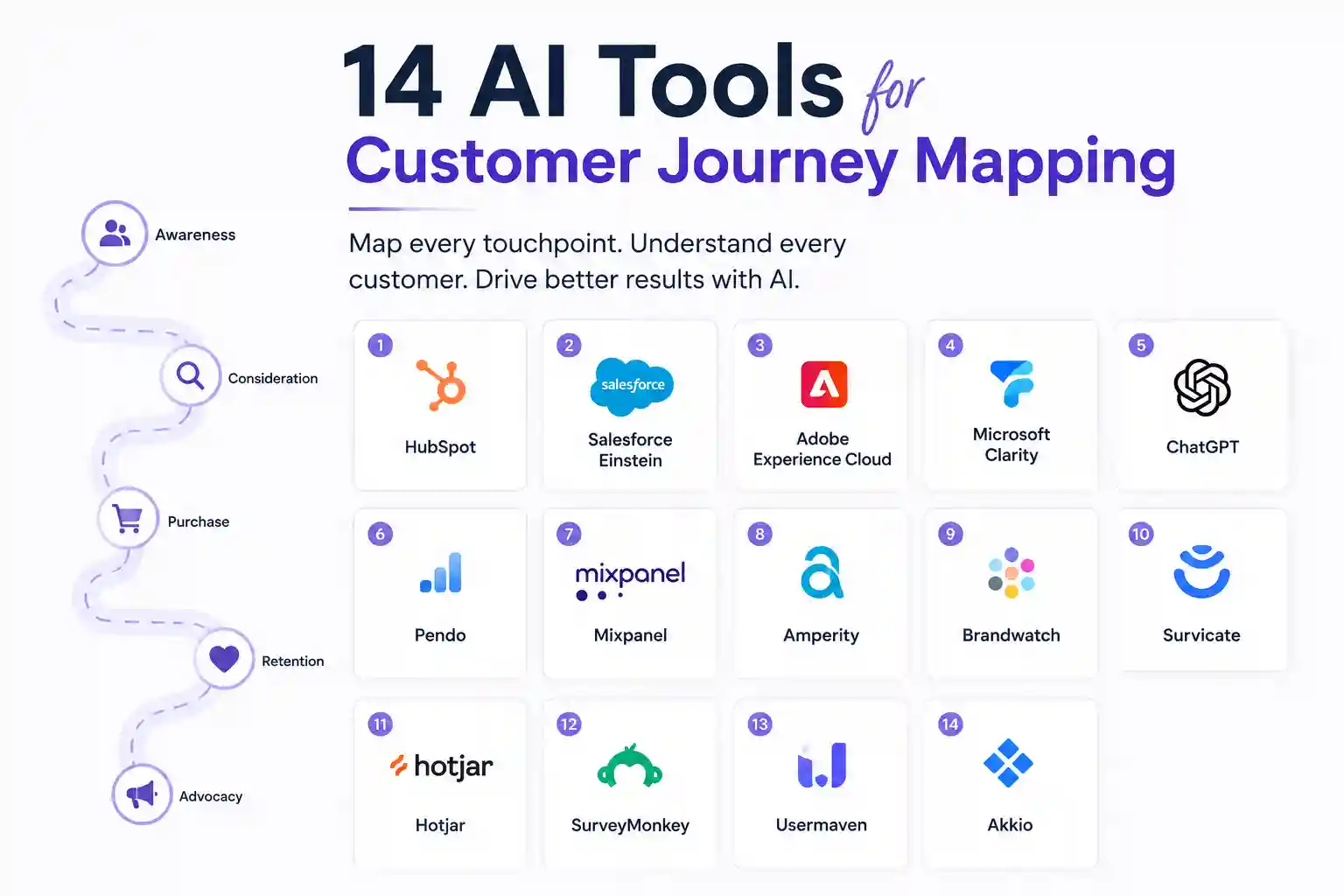
- Map the customer journey stages where AI can add value – awareness, consideration, purchase, and post‑purchase.
With those basics in place, the tools below will slot into your workflow without breaking existing processes.
1. Persado – AI‑Generated Emotional Copy
Persado’s language engine reads your brand voice and rewrites headlines, subject lines, and calls‑to‑action for maximum emotional impact. In a test with a mid‑size retailer, Persado‑crafted emails yielded a 27% lift in click‑through rates compared with the original copy.
How to use it: Upload a sample of your best‑performing copy, set the desired tone (e.g., confident, playful), and let Persado generate variants. Deploy the top‑scoring version through your ESP and monitor the KPI you set earlier.
2. Dynamic Yield – Real‑Time Site Personalization
Dynamic Yield builds a unified profile for each visitor by merging web, mobile, and CRM data. Its rule engine lets you show product grids, banners, or offers based on signals such as “viewed three denim items in the last hour”.
Practical tip: Start with a single page like the homepage and create a “new‑visitor” vs. “returning‑visitor” rule. Measure the impact on average session duration before expanding to deeper pages.
3. Phrasee – AI‑Powered Email Subject Lines
Phrasee uses natural language generation to craft subject lines that pass spam filters while staying on brand. The platform runs A/B tests automatically and learns which words trigger higher opens for your audience.
Action step: Integrate Phrasee with your email service (Mailchimp, Klaviyo, etc.) and let it suggest three alternatives for each campaign. Replace the control with the winning variant and record the lift.
4. Acrolinx – Content Governance Meets Personalization
Acrolinx ensures that AI‑generated copy still meets brand guidelines, tone, and compliance standards. This is crucial for regulated industries (finance, health) where a misworded line can cause legal trouble.
Implementation note: Set up a style guide once, then let Acrolinx score every piece of AI output before it goes live. The score helps you decide whether to edit or approve.
5. OneSpot – Contextual Content Recommendations
OneSpot analyses reading behavior (time on page, scroll depth) to recommend next‑read articles, product pages, or case studies. Brands using OneSpot report a 35% increase in content consumption per session.
Getting started: Tag your content library with taxonomy tags (topic, buyer stage). OneSpot will automatically surface the most relevant next piece for each visitor.
6. PathFactory – Intent‑Based Content Paths
PathFactory builds adaptive learning paths that evolve as a prospect engages. If a user spends time on “budget‑friendly solutions”, the platform will prioritize low‑cost case studies and pricing pages.
Quick win: Use PathFactory on your resource hub. Set two paths – “research” and “evaluation” – and let the AI shift users between them based on clicks.
7. Crayon – Competitive Personalization Insights
Crayon tracks competitor messaging in real time. When you notice a rival launching a new feature, Crayon can trigger a personalized email to prospects who have shown interest in that feature.
How to act: Connect Crayon alerts to Zapier, then push a tailored nurture email via your ESP whenever a competitor update is detected.
8. Synthesia – AI‑Generated Video Personalization
Synthesia lets you create videos with a synthetic presenter that can address a viewer by name, location, or product preference. A SaaS company used Synthesia to embed a personalized welcome video in its onboarding flow, reducing churn by 12%.
Step‑by‑step: Upload a script with placeholder tokens ({{first_name}}), select a presenter, and generate the video at scale. Embed the video URL in your onboarding email sequence.
9. Optimizely – AI‑Driven Experience Testing
Optimizely’s personalization engine runs multivariate tests that automatically allocate traffic to the highest‑performing variant. It can personalize hero images, copy, and even checkout flows.</n
Best practice: Start with a single element (e.g., hero CTA text). Let Optimizely shift traffic based on conversion data, then iterate with additional elements.
10. Clearbit Reveal – Anonymous Visitor Identification
Clearbit matches IP addresses to firmographic data, turning anonymous traffic into identifiable leads. Once identified, you can feed that data into your personalization platform to show industry‑specific case studies.
Practical usage: Add Clearbit Reveal to your site header. When a visitor from a known company lands on a pricing page, display a custom banner that references that company’s sector.
11. Segment (Twilio) – Centralized Customer Data Platform
Segment collects data from every touchpoint and creates a unified profile that powers downstream AI tools. Without a reliable CDP, AI recommendations become noisy and ineffective.
Implementation tip: Map all your data sources (web, mobile, CRM) to Segment events. Then push the unified profile to tools like Dynamic Yield or OneSpot via Segment destinations.
12. Adobe Target – AI‑Powered Content Recommendations
Adobe Target’s Auto‑Target uses machine learning to rank content blocks for each visitor. It works especially well for e‑commerce sites with large catalogs.
How to test: Enable Auto‑Target on a product listing page and compare revenue per visitor against a static layout.
13. Lumen5 – Automated Social Video Personalization
Lumen5 transforms blog posts into short videos, automatically inserting personalized text overlays based on the viewer’s segment (e.g., “For B2B marketers” vs. “For small retailers”).
Quick action: Export a video for each major buyer persona and schedule them in your social calendar. Track video completion rates to gauge relevance.
14. Drift – Conversational AI for Real‑Time Personalization
Drift’s chatbot can pull data from your CRM to greet visitors by name and suggest resources based on their last interaction. A B2B firm used Drift to qualify leads 40% faster.
Set up shortcut: Connect Drift to your CRM, map key fields (company, last product viewed), and craft a few intent‑based flows.
15. Emarsys – AI‑Driven Lifecycle Marketing
Emarsys combines predictive scoring with dynamic content blocks for email and SMS. It predicts the likelihood of purchase in the next 7 days and adjusts the offer accordingly.
Actionable tip: Use the predictive score to segment your list into “high intent” and “low intent” groups, then send a limited‑time discount only to the high‑intent segment.
16. Zapier + AI APIs – Build Custom Personalization Workflows
Zapier can connect virtually any AI service (OpenAI, Cohere, Hugging Face) to your marketing stack. If you need a niche use‑case—like generating personalized product descriptions on the fly- Zapier lets you automate it without writing code.
Example workflow: Trigger – new order in Shopify; Action – send product details to OpenAI’s GPT‑4; Action – update the order confirmation email with a custom paragraph highlighting the buyer’s preferences.
Frequently Asked Questions
What is the difference between AI‑generated copy and AI‑assisted copy?
AI‑generated copy is created from scratch by a model, while AI‑assisted copy starts with a human draft that the AI refines. For brand‑sensitive industries, assisted copy usually offers better control.
Do I need a data scientist to implement these tools?
Not necessarily. Most platforms provide a visual rule builder or pre‑trained models. However, having someone who understands data quality will help you avoid garbage‑in‑garbage‑out results.
How can I measure ROI from personalization?
Track the KPI you defined in the quick‑start checklist—open rates, conversion, AOV, or churn. Compare the metric before and after the AI implementation, and calculate lift as a percentage.
Is it safe to use AI for personalized emails under GDPR?
Yes, as long as you have a lawful basis for processing personal data and you give recipients an easy way to opt out. Most AI platforms let you mask or anonymize data during processing.
Can I use multiple AI tools together without conflict?
Absolutely. The key is a clean data pipeline. Use a CDP like Segment to centralize profiles, then let each tool pull the data it needs via API or integration.
Practical Next Steps for Marketers
1. Pick one of the tools above that aligns with your biggest pain point (e.g., low email open rates).
2. Run a 30‑day pilot with a single audience segment.
3. Record the baseline KPI, launch the AI variant, then compare results.
4. Document learnings and decide whether to scale or iterate.
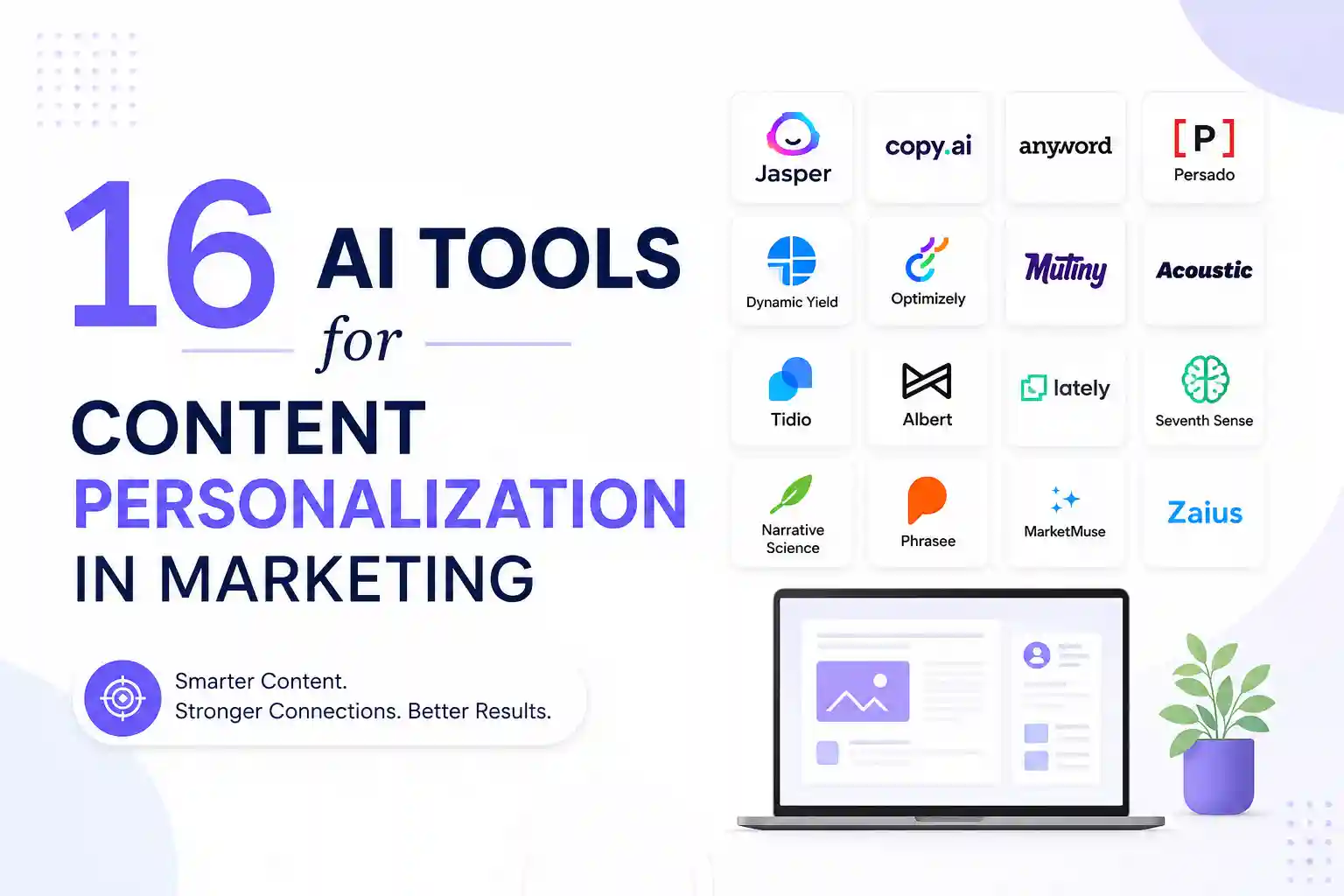
By treating AI as a testable experiment rather than a wholesale replacement, you keep risk low and learning high. The market rewards brands that personalize at scale, and these 16 tools give you a ready‑made toolbox to get there.
Availability and signup requirements may vary.
Author Data
Hi, I’m Anik Hassan, a digital marketing and SEO specialist with over seven years of experience helping websites grow through smart content strategies and organic search optimization. I graduated in Computer Science and Software Engineering from IBAIS University in 2017.
Beyond marketing, I’m deeply passionate about the future of technology, especially quantum computing and Artificial Intelligence. I spend much of my time researching emerging innovations and exploring how advanced technologies are shaping the next generation of the digital world.